
MusiCal for SchoolsBuilt for school
Built for school
music departments
Visiting teachers, pupils pulled from academic classes, instruments on loan, ensembles to run and parents to keep informed — MusiCal is designed around peripatetic music teaching.
No sign-up needed — explore as an admin, tutor or student.
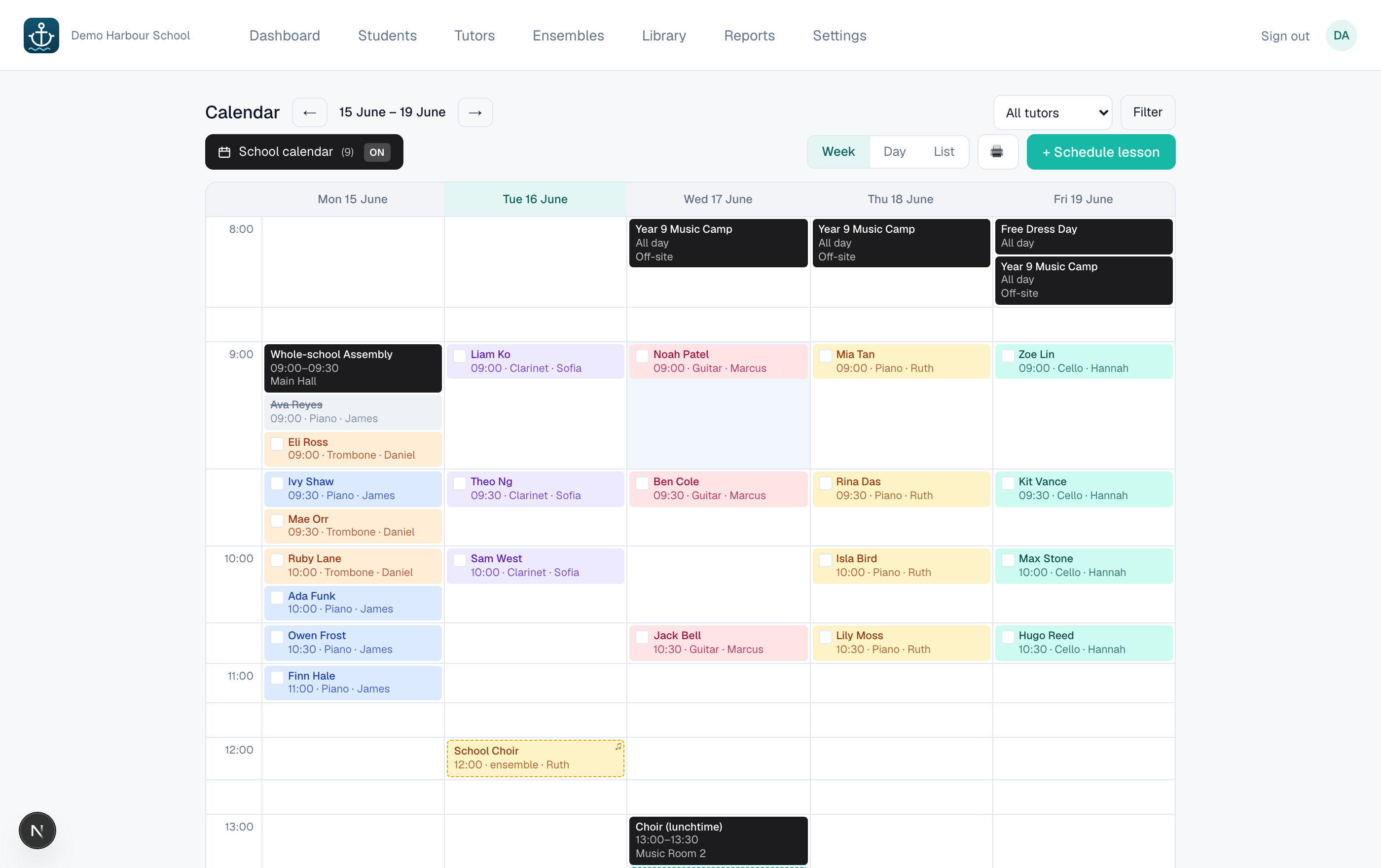
Smart timetabling & ensembles
- Recurring lessons across every visiting teacher and room, clone a whole day to the term in a click.
- Rotate students by 30 minutes each week so no pupil misses the same academic class twice.
- Group lessons and rehearsals sit on the same calendar, with conflict checking built in. Term-aware throughout.
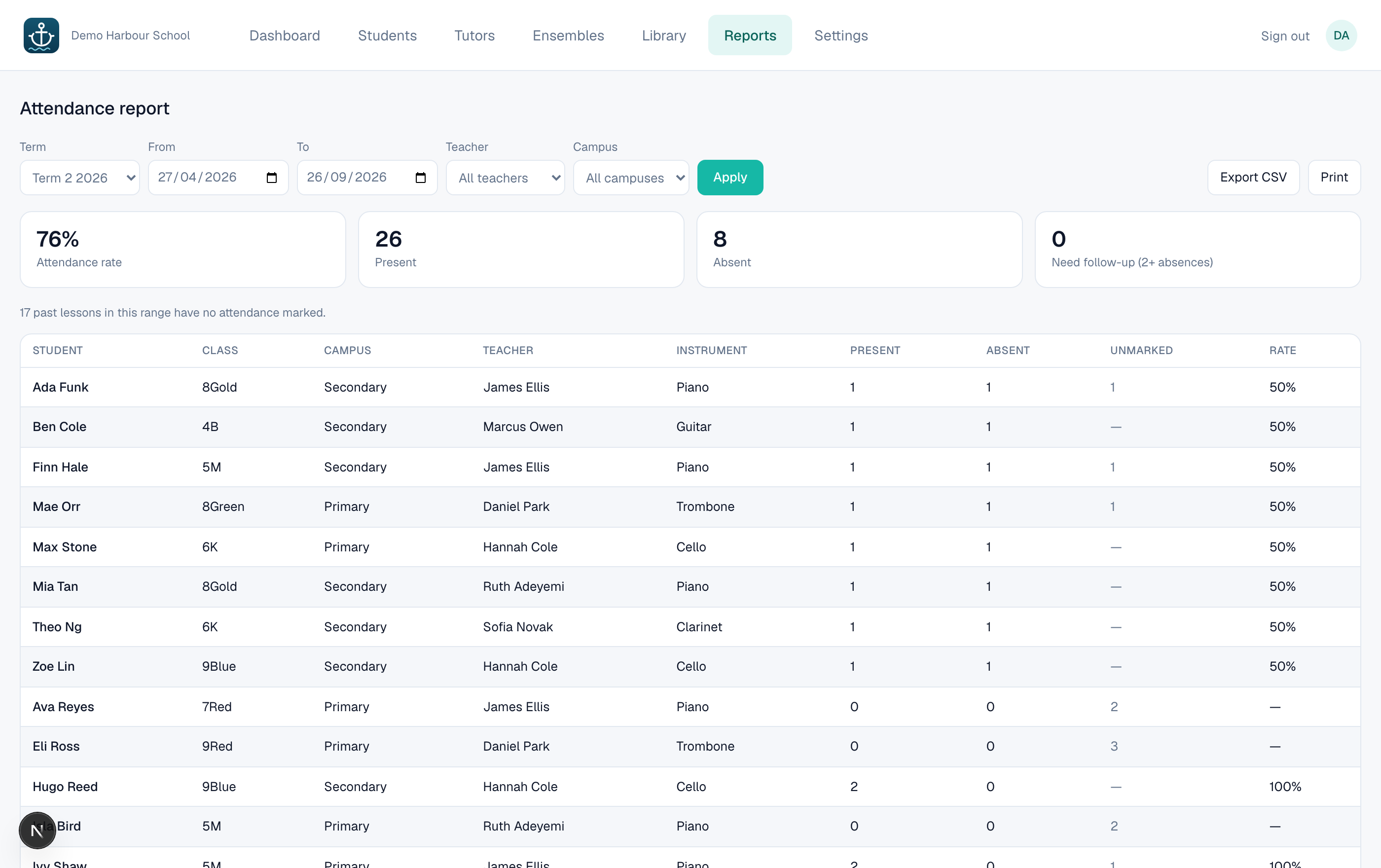
Attendance & compliance
- One-tap attendance, with reports that flag students to follow up.
- Filter by teacher or campus, export to CSV or print.
- Expiry alerts for WWCC and insurance across your teaching staff.
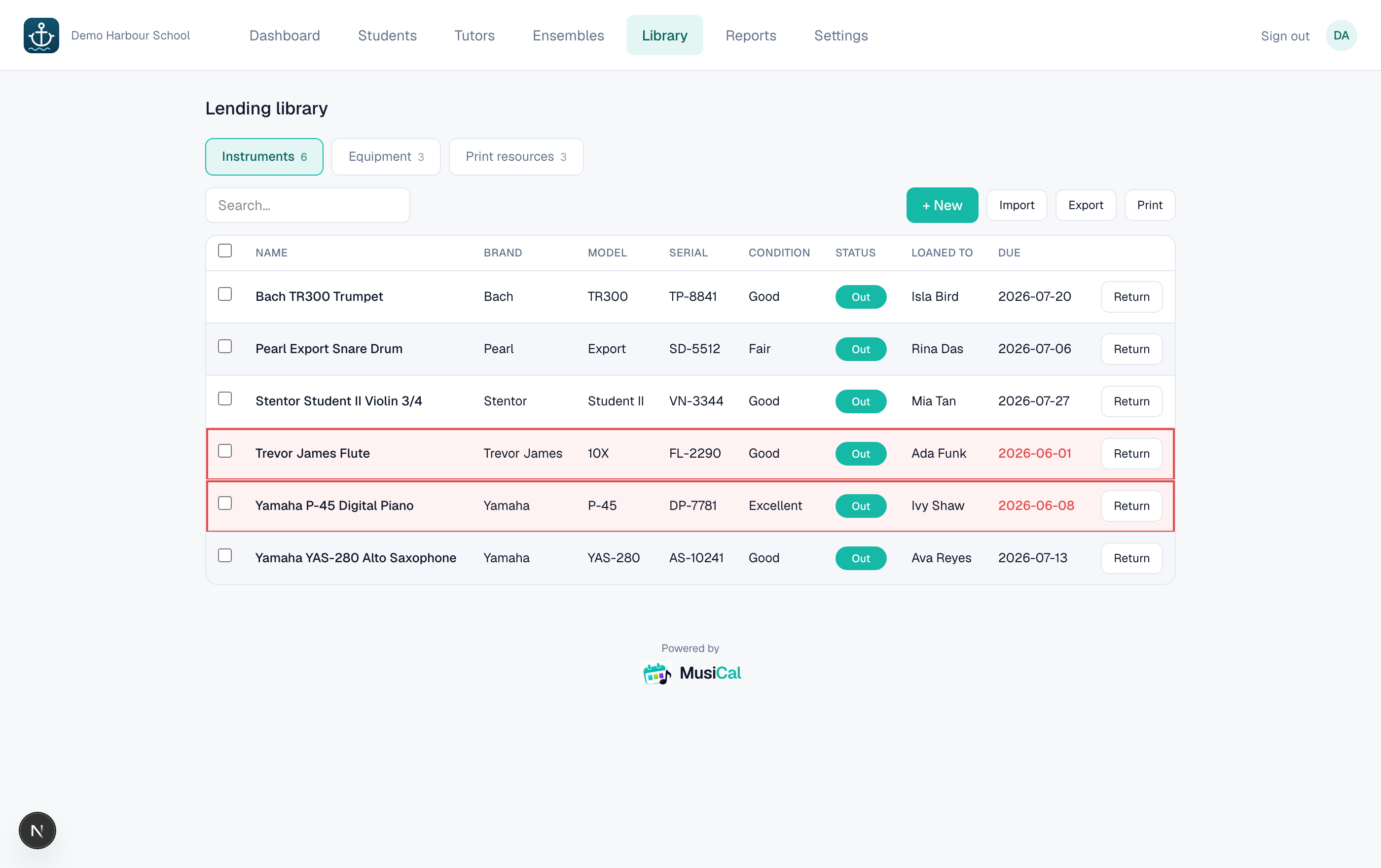
Lending library
- Track instruments, equipment and sheet music on loan.
- See what's overdue at a glance.
- Automatic reminders sent to families.
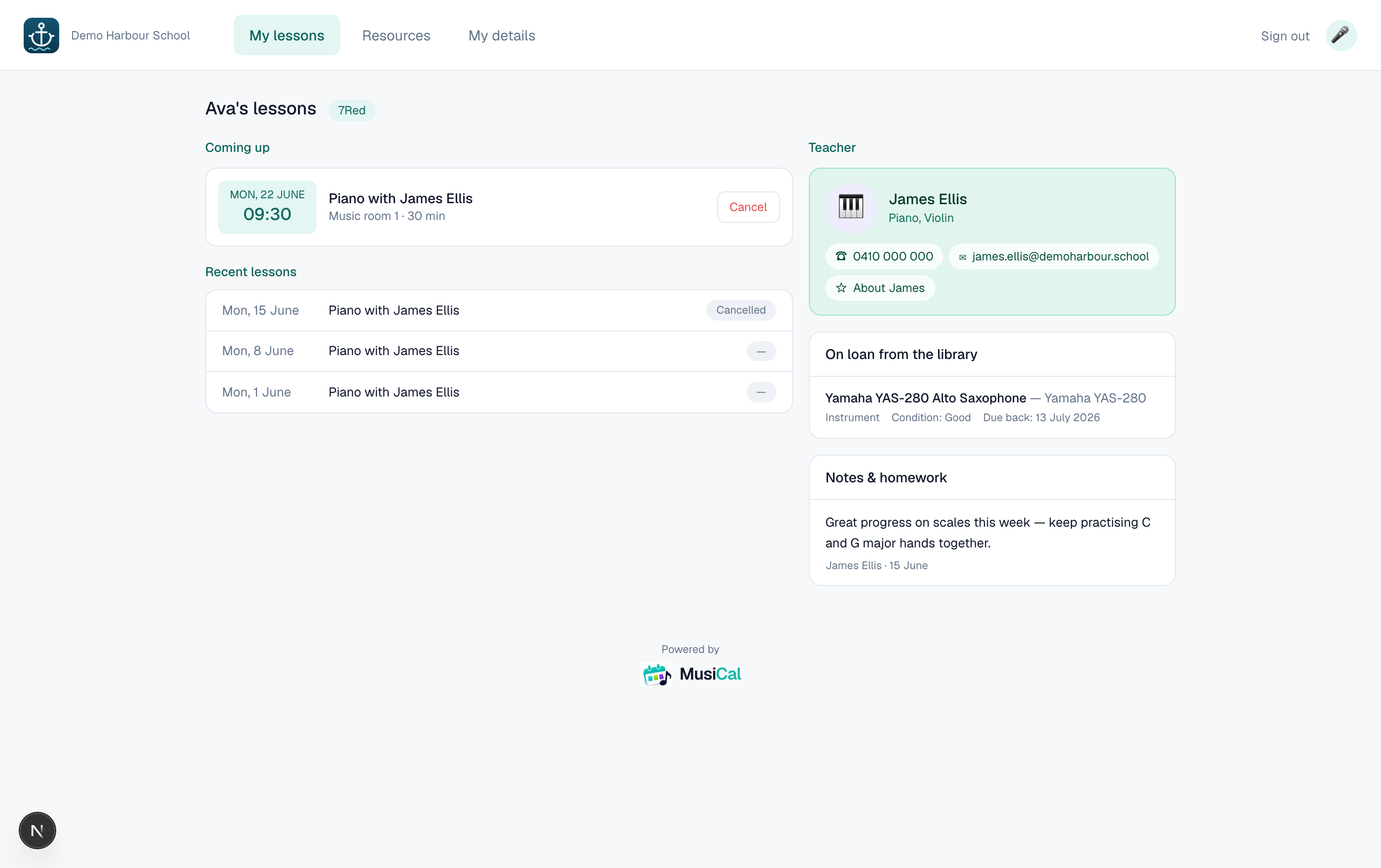
Parent & student portals
- Families see the schedule, teacher contact, notes and homework.
- They can request a cancellation that reaches the tutor straight away.
- Tutors get their own weekly timetable and student notes.
Your branding, one or many campuses
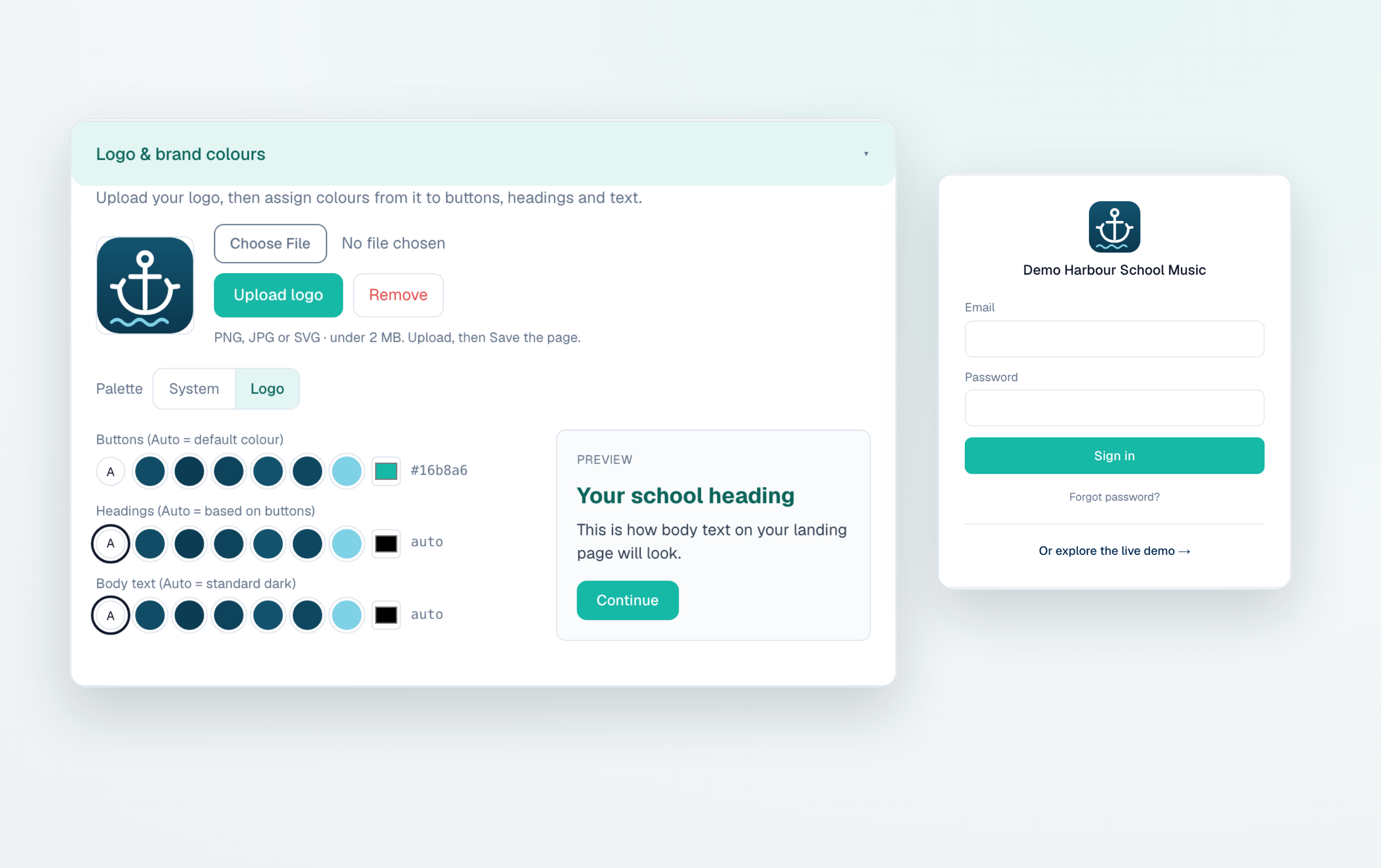
- Your accent colour and logo across the app, portals and emails.
- Run several campuses from one account, with filtered calendars and reports per site.
- Multi-tenant and secure — schools never see each other's data.
For coordinators
- One calendar for every tutor and room
- Attendance reports by teacher or campus
- Compliance expiry alerts (WWCC, insurance)
- Lending library with overdue reminders
For tutors
- Your weekly timetable
- One-tap attendance
- Notes & homework per student
- Manage your ensembles
For families
- Lesson schedule & reminders
- Teacher contact details
- Notes and homework
- Request a cancellation online
School pricing
One simple price per school
Every feature included — ensembles, library, multi-campus and unlimited tutors & students. No per-seat fees. We’ll tailor a quote to your department.
🚀 Special introductory rate for schools joining now